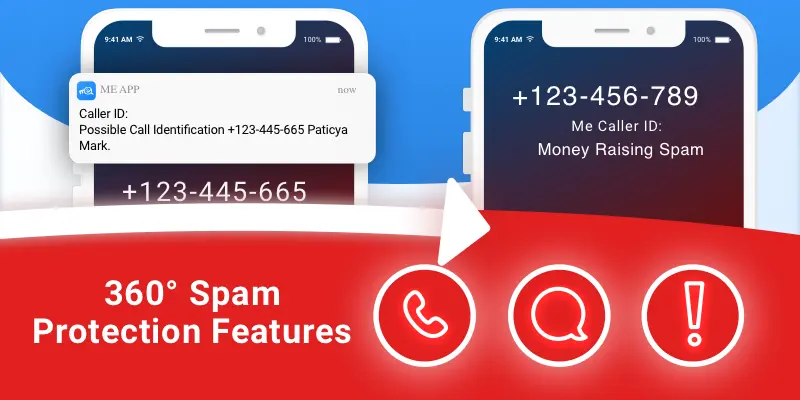
Me filters spam SMS on iPhone: messages from unknown senders are screened by keyword and by sender name or number, locally on your device and (if you opt in) through Me's continuously updated remote filter, and are kept out of your main Messages list. Free for all iOS users.
Let’s admit, we’re all getting many annoying Spam messages SMS, no one really cares for them or reads them.
How frustrating it to get hear the iPhone ringing because of a message, run to the phone with expecting to get a lovely SMS from a friend, but again: it’s just Spam.
Me App, gives you a unique feature that lets you filter the SMS you are getting by content and by the sender (name or phone).
And also let’s you the option for us to handle all of the process.
How to do it?
First all install the last update click here
First go to iPhone Settings ->Messages ->Unknown & Spam> Turn on filter Unknown Sender -> Select “Me”
Now open MeApp and tap on the logo -> Setting > tap on SPAM > SMS Protection
tap + on filter by keyword or by sender name
Make sure SMS Spam Local filtering is ON if you wish for us to filter more keywords via our server make sure Remote filtering is ON as well.

Don’t have Me yet? download now


Local vs. remote filtering: what is the difference?
Local filtering applies the keywords and senders you define yourself, entirely on your device. Remote filtering adds Me's server-side keyword lists, updated as new spam waves appear, so you are protected from campaigns you have not seen yet. Turn on both for the full net.
Finish the job on your iPhone
Spam texts are half the story. Pair the SMS filter with real-time caller ID for iPhone to know who is calling before you answer, and check the iPhone permissions guide if any step of the setup asks for access you want explained first.